Those DVDs holding your precious family memories might seem safe in their cases, but they could be in the process of slowly and silently degrading. This process, known as disc rot, is the irreversible decay of the disc’s data layers. The good news is that there are often warning signs before a disc becomes completely unplayable.
If you have home movies on burned DVDs (DVD-R/DVD+R), it is time to play detective. Here are five key signs that your DVDs are dying and what you need to do to save the memories they hold.
Sign 1: The Eye Test – Visible Damage and Discoloration
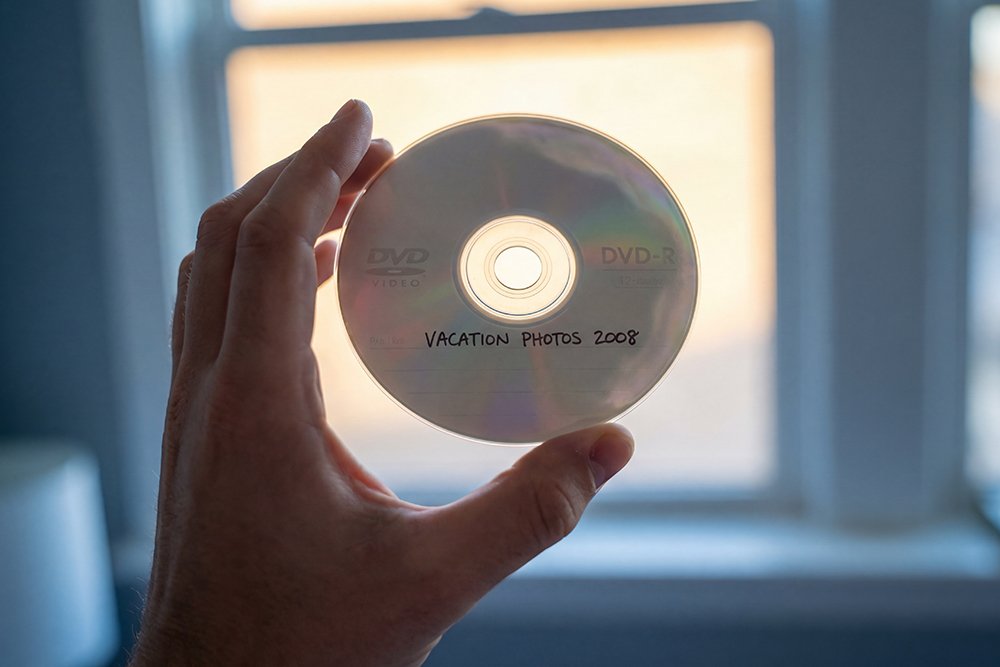
Your first clue can often be found just by looking at the disc. Hold the disc up to a light source (the non-label side facing you) and look for:
- Pinholes: Tiny dots of light shining through the disc. These are spots where the reflective metal layer has flaked away, causing a permanent loss of data.
- Discoloration or “Bronzing”: Dark, coffee-stain-like blotches or a rainbow-like sheen that looks different from the normal reflection. This indicates a chemical reaction and breakdown of the disc’s layers.
- Edge Rot: Discoloration that starts at the outer edge of the disc and works its way inward.
Sign 2: The Glitch – Consistent Freezing or Skipping
Have you ever watched a DVD that freezes, stutters, or becomes heavily pixelated at the exact same spot every time? This is not a random glitch. This is a classic symptom of disc rot. Your DVD player is repeatedly trying and failing to read a damaged or decayed section of the disc. While a dirty or scratched disc might skip randomly, the consistent, repeatable nature of the glitch points to a permanent flaw.
Sign 3: The Load Fail – Your Player Gives Up
A disc that once played perfectly now refuses to load at all. You might hear the player spin up and try to read it, only to give up and eject the disc or display an error message like “No Disc” or “Cannot Read Disc.” Trying the disc in multiple players can confirm the issue. If it fails to load in players that you know are working correctly, the disc itself is almost certainly the problem.
Sign 4: The Strange Sound – Unusual Noises from the Player
Sometimes, a dying DVD can cause your DVD player to make unusual noises. You might hear excessive spinning, clicking, or seeking sounds as the player’s laser mechanism works overtime, struggling to focus on and read the damaged data track. This is the sound of a machine trying its best to read a failing disc.
Sign 5: The File Explorer Fail – Your Computer Can’t See the Files
For a data DVD or a video DVD, another clear sign of trouble is when you insert it into a computer and it either fails to recognize the disc or shows you a list of files that you cannot copy. You might try to drag a video file from the disc to your desktop, only to be met with a read error message partway through the copy process. This indicates that parts of the file are stored on a physically damaged section of the disc.
What to Do: The 3-Step Rescue Plan
If you see any of these signs, it is crucial to act immediately. The decay will only get worse.
- Stop Playing the Disc: Repeatedly trying to play a failing disc can cause further stress on both the disc and the player. Handle it as little as possible.
- Do Not Attempt DIY Repairs: Commercially available scratch repair kits cannot fix disc rot. The problem is internal to the layers of the disc, not a surface-level scratch.
- Contact a Professional Digitizing Service Immediately: This is the most important step. A professional service has specialized equipment and software that can often recover data from a failing disc that a consumer player cannot. The sooner you act, the higher the chance of a successful recovery.
Do not wait for the signs to become severe. If your DVDs are over 10 years old, the safest bet is to have them professionally digitized now, before the decay begins. Preserve your memories before they become a digital ghost. If you see any of these signs, or if your DVDs are over 10 years old, contact us today at www.gillettedigitizing.com. We can help you rescue your memories before it’s too late.