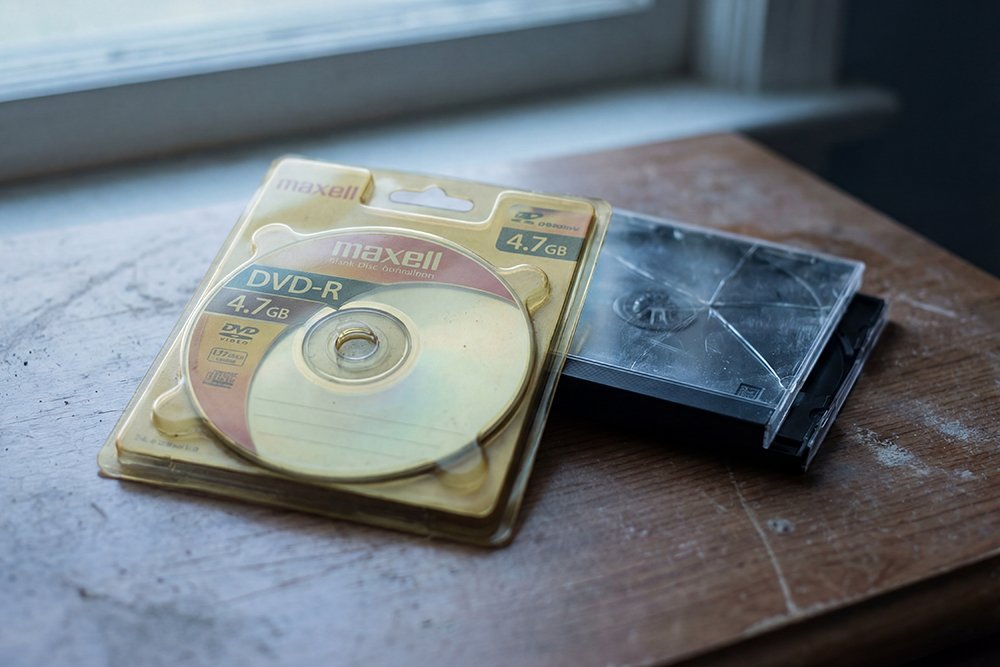
For the past two articles, we have delivered some unsettling news about the fragility of your home movies stored on DVD. We have talked about the myth of the 100-year disc and the science behind why recordable DVDs are failing. Now, it is time to talk about the solution.
The good news is that it is not too late to rescue your memories. The technology exists not only to save the videos trapped on your decaying DVDs, but to preserve them in a way that is truly permanent, accessible, and shareable. The answer is to move from the physical limitations of DVD to the freedom and security of a true digital format.
What is a “True Digital” Format?
When we talk about a “true digital” format, we are talking about a computer file, just like a Word document or a photo from your phone. For video, the most common and versatile format is the MP4 file. Unlike a DVD, which is a physical object subject to decay, an MP4 file is pure data. It can be copied, moved, and backed up an infinite number of times without any loss of quality. A copy of a copy is still a perfect copy.
This is the fundamental difference between the old way and the new way. The DVD is a container for your memories, and that container is breaking. A digital file is the memory, and it can be stored in countless safe containers.
The Power of Multiple Backups and the Cloud
The key to permanent digital preservation is a strategy that professionals call the “3-2-1 Rule”: at least three copies of your data, on two different types of media, with one copy stored off-site. [8]
This might sound complicated, but today’s technology makes it simple. Here is what a modern, secure archive for your family videos looks like:
- Your Primary Copy (Local): This is the copy you keep on your computer or an external hard drive at home. This gives you immediate access to your files.
- Your Secondary Copy (Cloud): This is where a service like Google Drive, Dropbox, or a specialized photo/video cloud service comes in. By uploading your videos to the cloud, you are creating an off-site backup. If your house were to have a fire or flood, your memories would be safe in the cloud.
- Your Tertiary Copy (Another Local or Cloud Backup): For ultimate peace of mind, a third copy is recommended. This could be another external hard drive stored at a different location (like a family member’s house) or a backup to a different cloud service.
This level of security is simply not possible with DVDs. With digital files, it is not only possible, it is easy.
The Joy of Accessibility
Beyond preservation, moving to a true digital format unlocks the true joy of your memories. Instead of having to find a working DVD player and the right disc, your entire family history can be at your fingertips.
Imagine being able to:
- Instantly pull up a video of your child’s first steps on your phone and share it with family across the country.
- Create a playlist of old family videos to watch together at a holiday gathering, streamed directly to your TV.
- Easily edit clips from different videos to create a beautiful anniversary or birthday tribute for a loved one.
This is the promise of true digital preservation. It is not just about saving your memories from being lost; it is about bringing them back into your life.
If you are ready to make the move from the fragile past of DVD to the secure future of digital, we can help. Our professional digitizing service can carefully extract the video from your DVDs and provide you with high-quality digital files that you can preserve and share for generations to come.
Ready to move your memories to a secure, modern format? Contact us today at www.gillettedigitizing.com to get started.